
Inside
DroidLink
See and control one Android phone from another, on the same Wi-Fi or from anywhere.
DroidLink lets one Android phone see and control another. You watch the other screen live and can tap, swipe and type on it as if it were in your hand.
Why I built it
My cousin lives overseas and comes to me with every tech problem. DroidLink lets me see their phone and fix things for them from here.
How it works
- Step 1
One phone shares
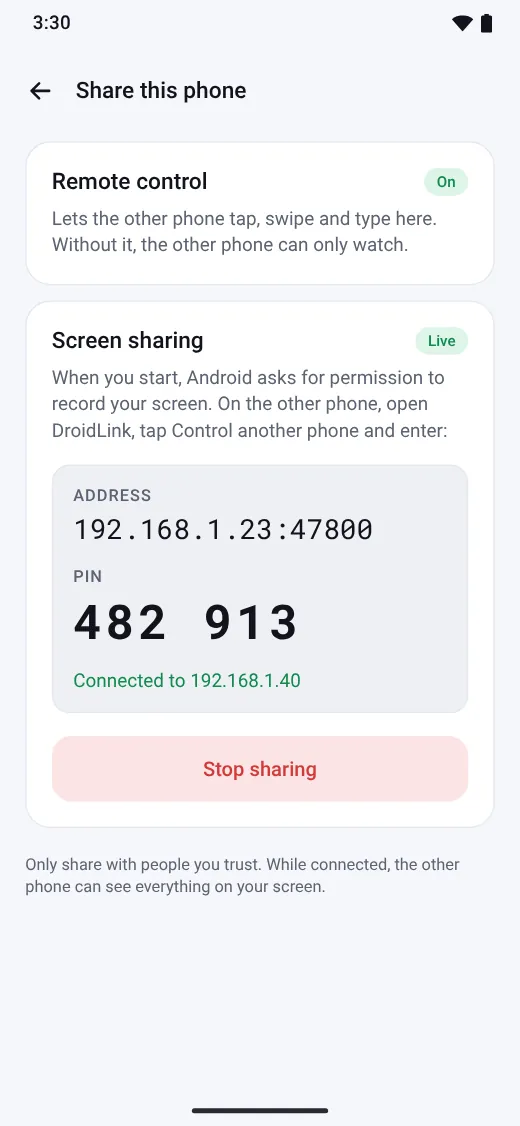
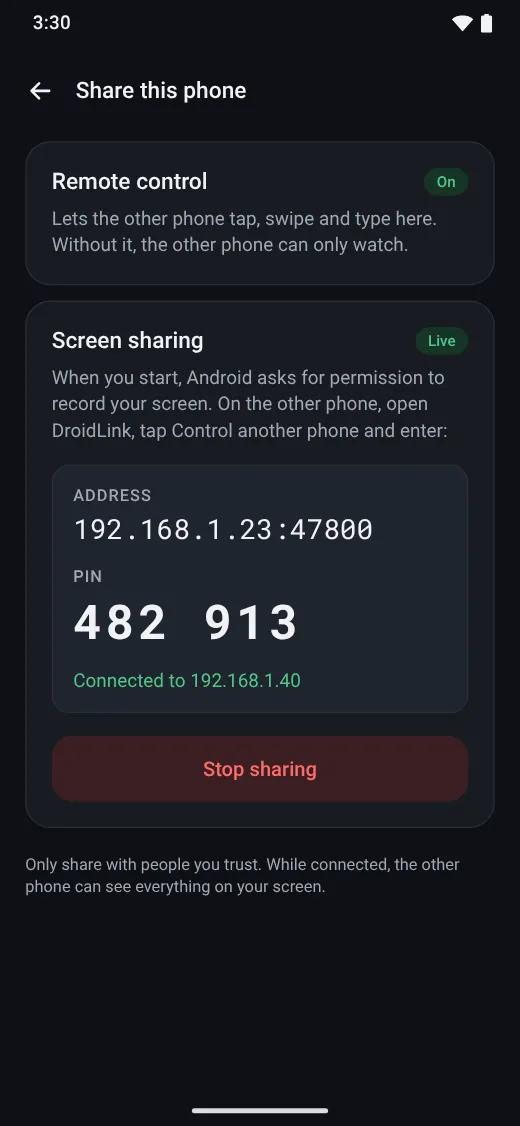
On the phone that needs help, tap Share this phone. It shows an address and a 6-digit PIN.
- Step 2
The other connects
On your phone, pick it from the nearby list or type the address, then enter the PIN.
- Step 3
Take control
Tap, swipe, scroll and type, and press Back, Home and Recent apps.
- Step 4
Stop any time
The sharing phone ends it with one tap, from the app or its notification.
What it can do
Same Wi-Fi, no internet
Nearby, the phones talk straight to each other. No account and no server.
From anywhere
Far apart, even in another country, they connect through the free Tailscale app, which keeps everything private.
PIN protected
Strangers can't get in. Wrong guesses are slowed down, and the PIN changes after eight of them.
Watch only, if you prefer
Skip the remote-control permission and the other phone can only watch.
Where it runs
- AndroidInstall it on both phones
Good to know
- The same app does both jobs, so install it on both phones.
- Sharing a screen uses a lot of data, so keep an eye on it when you're not on Wi-Fi.
- Android 13 and later need a one-time unlock before remote control works. The app walks you through it, and it takes about 30 seconds.