Inside
B-Side
A music player for the songs you already own, without uploading a single one.
B-Side plays the music you already have on your phone or computer. Point it at your songs or folders and it sorts them into albums, artists and playlists, with cover art and lyrics.
Why I built it
Basically a normal music player, but with a nicer look and a few touches from the games I love.
How it works
- Step 1
Pick your music
Choose songs or whole folders. Nothing gets uploaded.
- Step 2
It builds your library
Albums, artists, genres and playlists, straight from the details saved in your files.
- Step 3
Press play
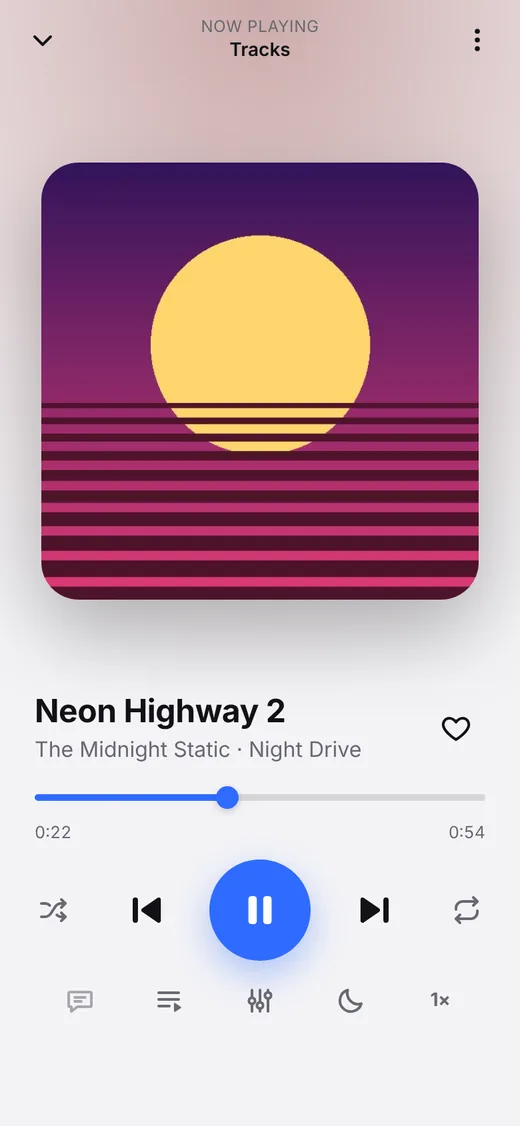
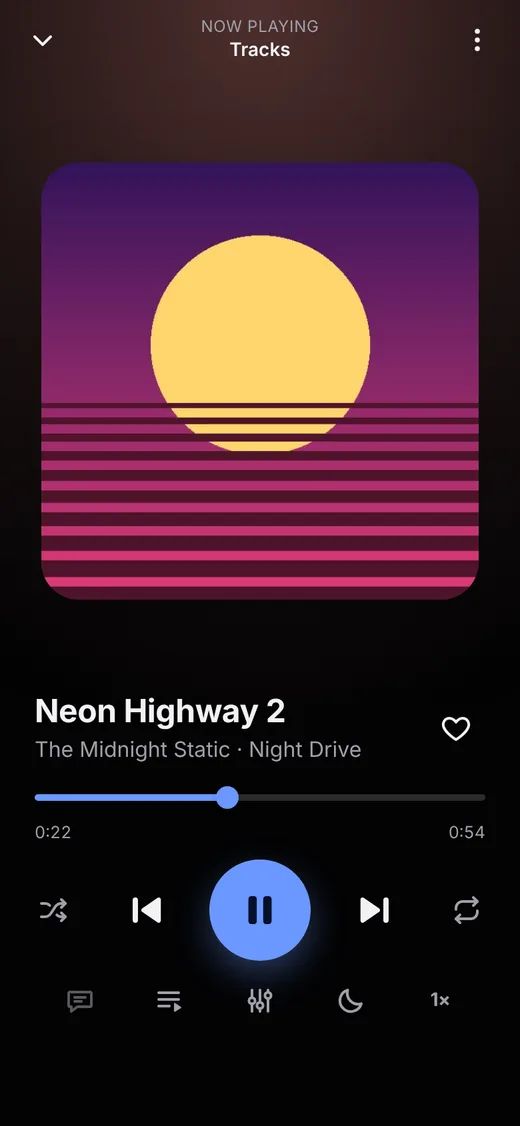
Now Playing takes its colours from the album cover, with lyrics that follow along.
- Step 4
Make it yours
Pick one of six styles, each with its own look, sounds and app icon.
What it can do
Game-inspired styles
Menus inspired by Persona 5, Persona 3 Reload, NieR: Automata, Red Dead Redemption 2 and Cyberpunk 2077.
Duets count for both
A song by two singers shows up under each of them.
Even volume
Quiet and loud songs play at about the same level, with a 7-band equaliser if you want more.
Sleep timer
Fades the music out after 15 minutes to an hour and a half, or at the end of the song.
Keeps playing
On Android it carries on after you close the app, with lock-screen and headphone controls.
Where it runs
- AndroidThe app
- Web browserAny computer, online or as one file
Good to know
- No accounts, no ads and nothing sent over the internet.
- On a computer, open it in your browser, or download it as a single file that works offline. You can drag songs straight onto the window.