

Inside
Lock In
A study timer, planner and app blocker for students, on Android and iPhone.
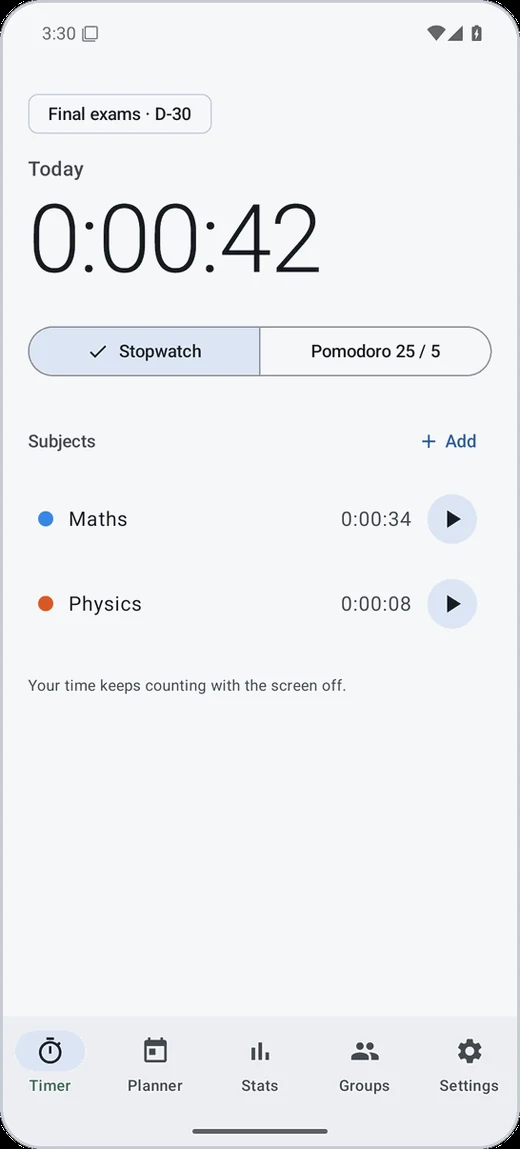
Lock In is a study timer that keeps you off your phone. Pick a subject, start the timer and put the phone down. Until your next break, only the apps you've allowed will open.
Why I built it
Another app to help me focus on my work. While the timer is running, I can only open the few apps I've allowed, so there's nothing to drift off to.
How it works
- Step 1
Pick a subject
Add what you study, like Maths or IELTS Reading, and tap start.
- Step 2
Put your phone down
The clock keeps counting with the screen off, as a stopwatch or in Pomodoro rounds.
- Step 3
Stay locked in
Leave Lock In and a lock screen covers everything else. Only your allowed apps, and Phone, still open.
- Step 4
Take your break
Breaks unlock everything again. Only focus time counts as study time.
What it can do
Plans your week
To-dos for each day, and countdowns to your exams.
Shows what you really did
Daily, weekly and monthly totals, and time spent on each subject.
Keeps you consistent
An 18-week heatmap of every day you studied, and your current streak.
Study with friends
Join a group with a code to see who's studying right now. The chat only opens on your break.
Your colours
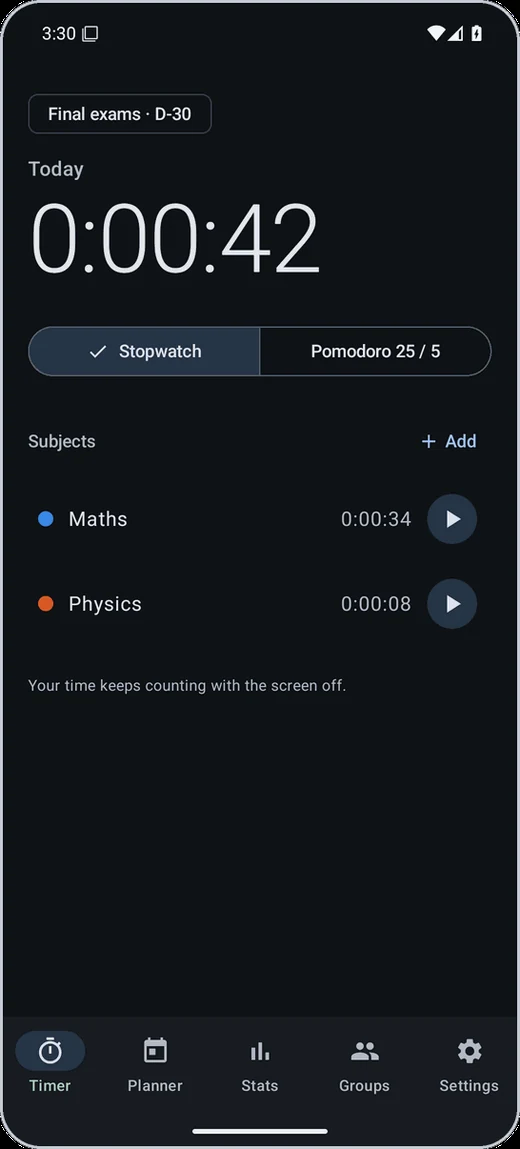
Light or dark, in one of six colours. The lock screen follows along.
Where it runs
- AndroidThe app
- iPhone & iPadFrom Safari, on your Home Screen
- Web browserAny computer
Good to know
- Your study history stays on your phone. Only study groups use the internet.
- It can't read your screen or what you type. It only checks which app is open, and only during focus.
- iPhone doesn't let apps block other apps, so the lock screen is on Android. On iPhone you get the timer, planner, stats and groups, and iPhone and Android friends can share a group.