

Inside
Checkmate
A to-do list and a calendar in one app, on Windows, Android, Chrome, Edge and the web.
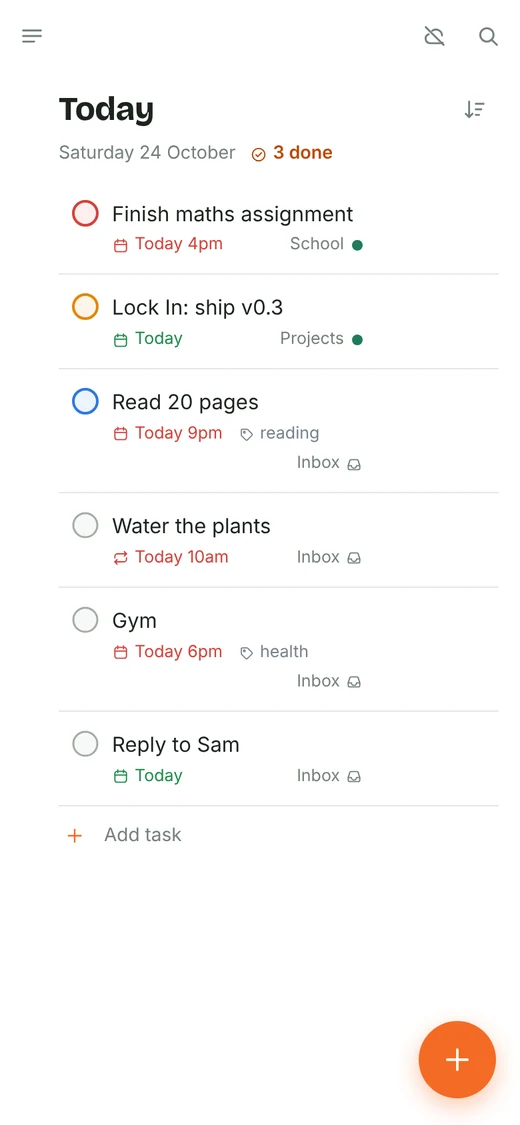
Checkmate is a to-do list and a calendar in one app. Type what you need to do in plain words, and it works out the date, the time and how often it repeats.
Why I built it
I used to use Todoist, but a lot of it is locked behind the paid plan, including the calendar. So I built my own to replace it, and added some game elements so getting through my tasks feels more like playing a game.
How it works
- Step 1
Type it like you'd say it
“Gym every Monday 6pm” or “Call Mum tomorrow”. English and Chinese both work.
- Step 2
It fills in the details
Checkmate picks out the date, time, repeat, priority and project for you.
- Step 3
See it on your calendar
Tasks and events sit side by side, from a single day to a whole year.
- Step 4
Get reminded
A reminder pops up when it's time, on your phone or in Chrome and Edge, even with Checkmate closed.
What it can do
Styles that feel like games
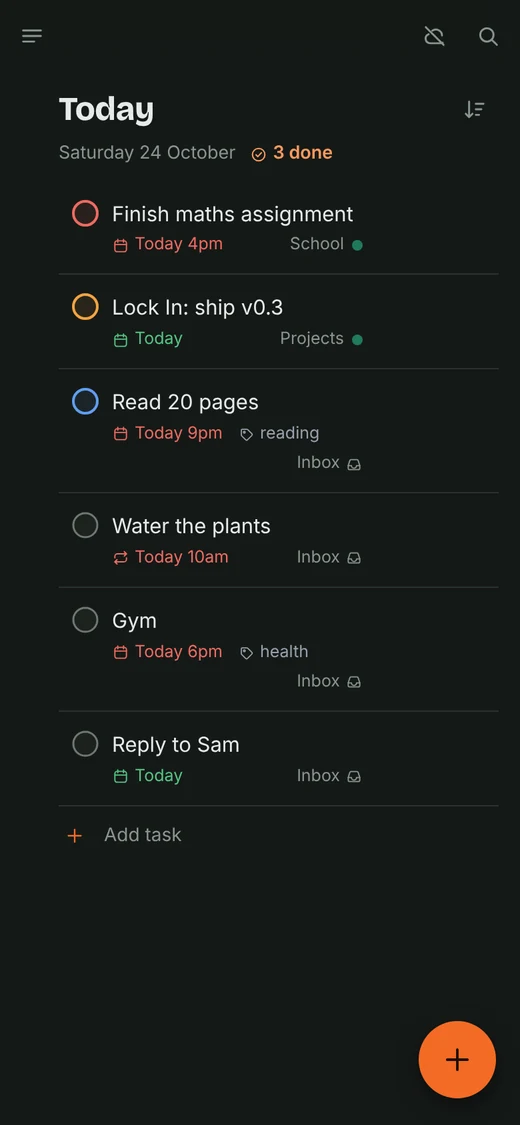
Six styles, each with its own look, sounds, app icon and start screen, in light or dark.
Repeating tasks
Weekly gym sessions, monthly rent, or every Monday, Wednesday and Friday.
Projects and boards
Group tasks into projects, then see them as a list or as a board of columns.
Birthdays
Lunar birthdays too, so dates on the Chinese calendar don't slip by.
Add tasks from any page
The Chrome and Edge extension puts a quick-add box in your browser toolbar.
On all your devices
Your phone and computer stay in step, through a free account only you own.
Where it runs
- WindowsThe app
- AndroidThe app
- Web browserAny browser, plus a Chrome and Edge extension
Good to know
- Free to use. There's a donate page in Settings if you'd like to say thanks.
- It works on one device straight away. Syncing between devices takes about 5 minutes to set up once, with a free Google Firebase account that only you own.
- Connect Claude and you can ask it things like “what's due today?” or “move everything overdue to tomorrow”.
- In English or Traditional Chinese (繁體中文).